

Description
Download CameraBag Photo – Photo Editor, Photo Enhancement, Mobile Editing, Quick Edits, Camera App, Smartphone Photography, Creative Filters
Overview
CameraBag Photo is a mobile photo editing application designed to deliver rapid, intuitive enhancements to digital images. Built with speed and simplicity in mind, it enables users to transform their photos in under ten seconds—making it ideal for those seeking immediate results without the complexity of traditional editing tools like Photoshop or GIMP. The app targets casual photographers, social media users, and anyone who wants to experiment with their images effortlessly. Its core purpose lies in streamlining the editing process, removing technical barriers that often deter non-professionals from enhancing their visuals. While the developer did not provide additional background on CameraBag’s history or development philosophy, the app’s design reflects a clear focus on accessibility and user experience. Real-world use cases include quick social media posts, instant photo sharing, and spontaneous creative expression. In the broader app ecosystem, CameraBag Photo fills a niche for lightweight, fast-acting tools that prioritize fun and ease over advanced control. It stands out as a practical utility for users who value time efficiency and visual flair in their mobile photography workflow.
Key Features & Functionality
- Fast Editing: CameraBag Photo enables users to apply edits in under ten seconds, significantly reducing the time required for image enhancement compared to traditional software. This speed makes it suitable for on-the-go adjustments.
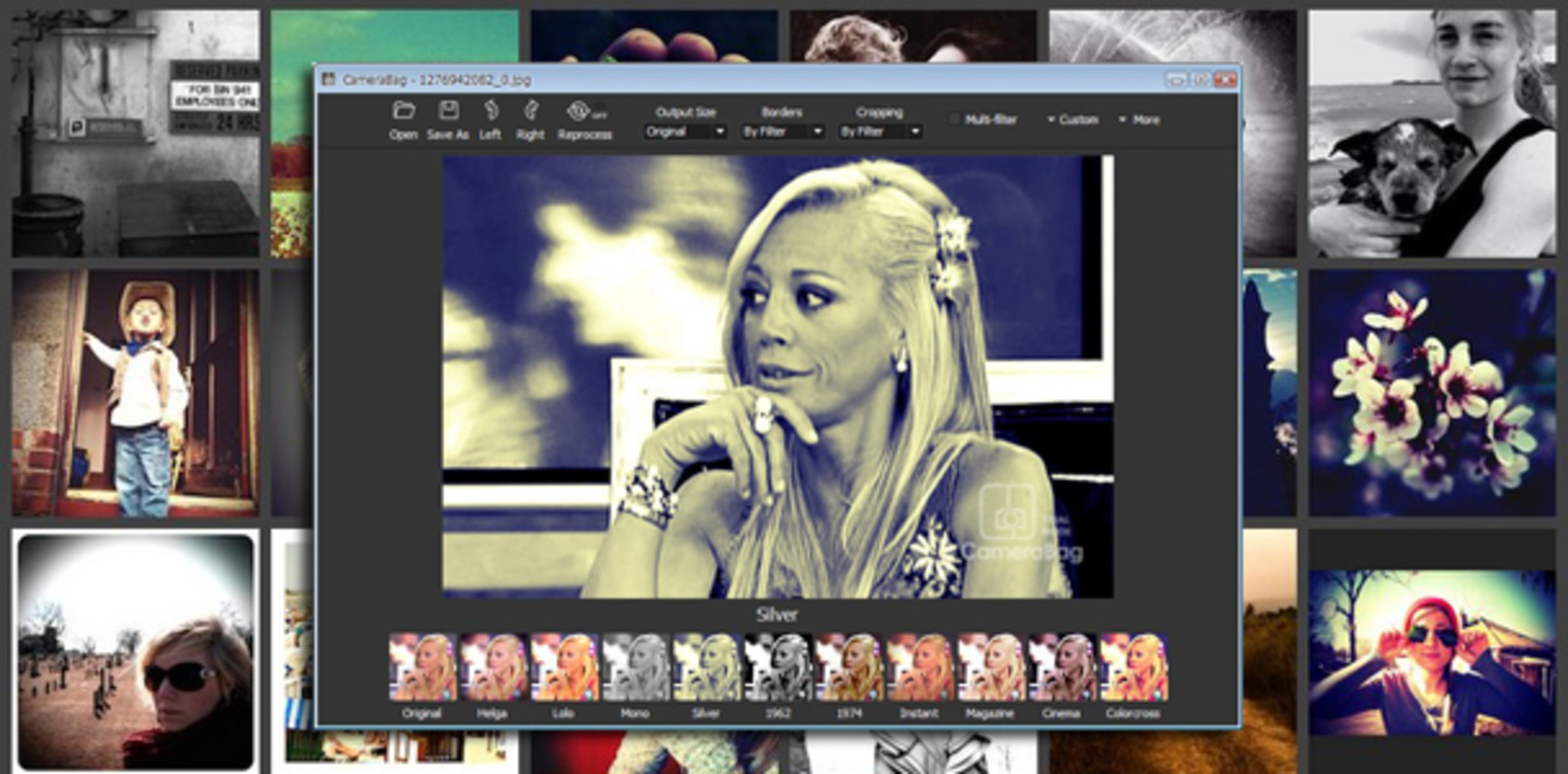
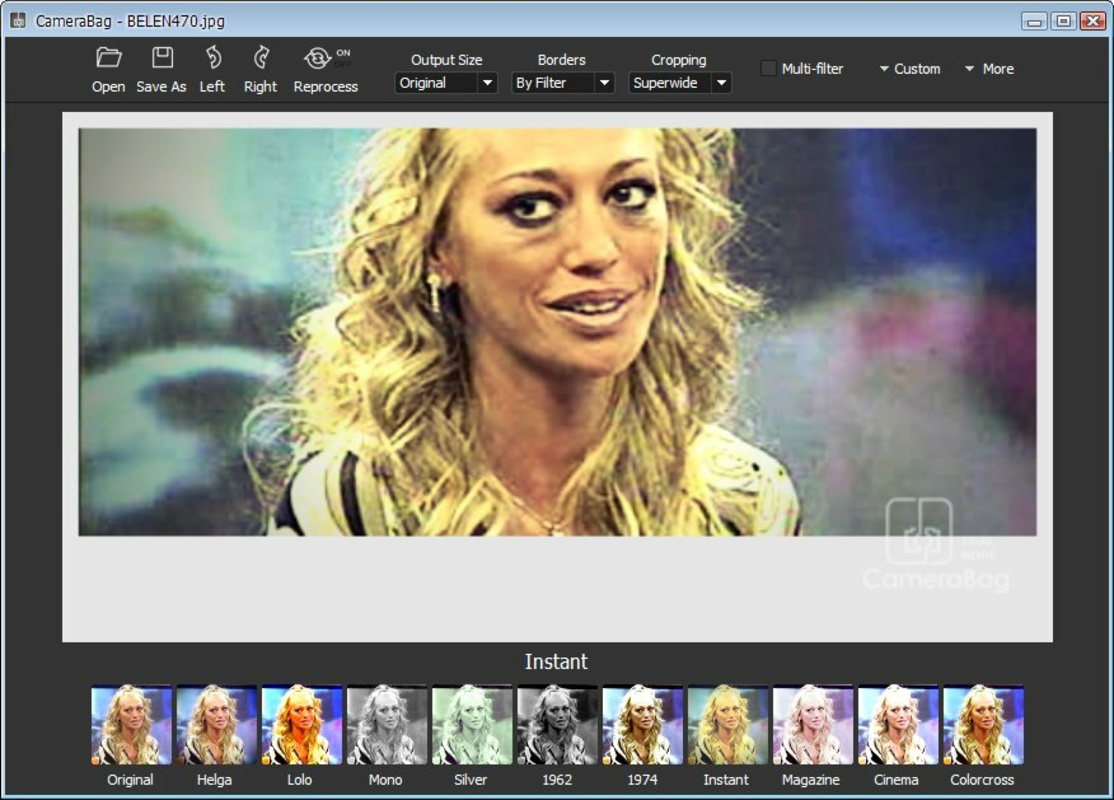
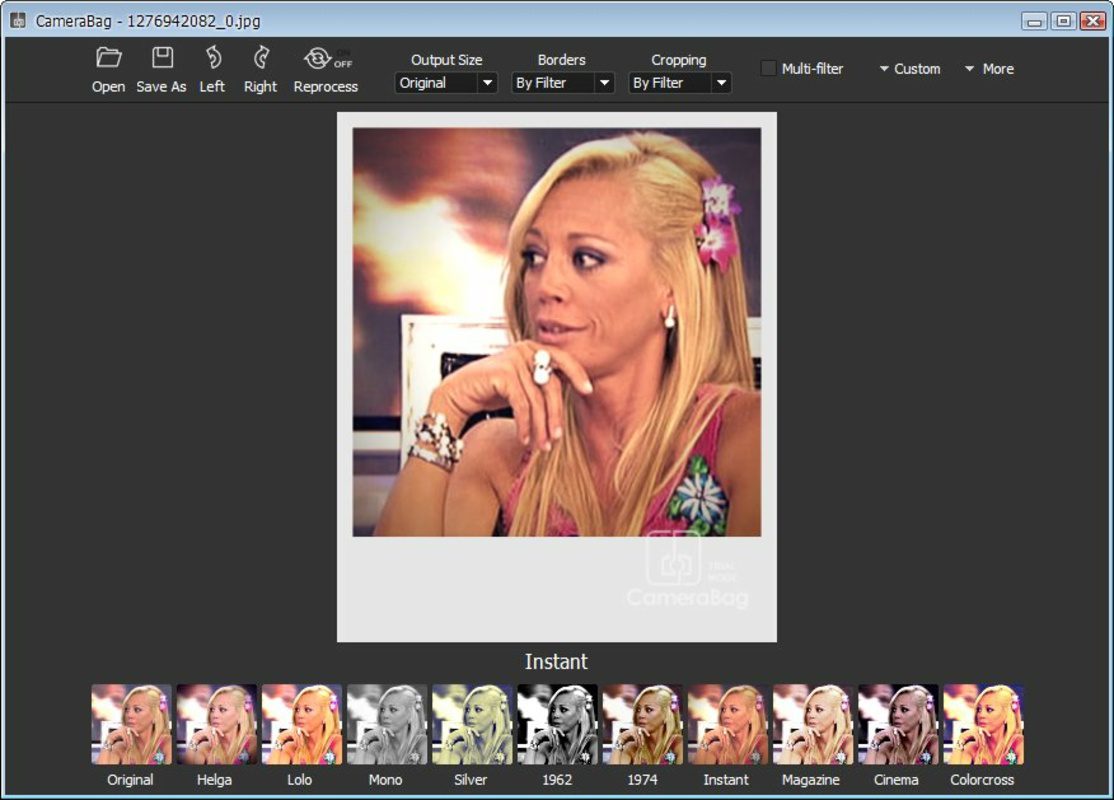
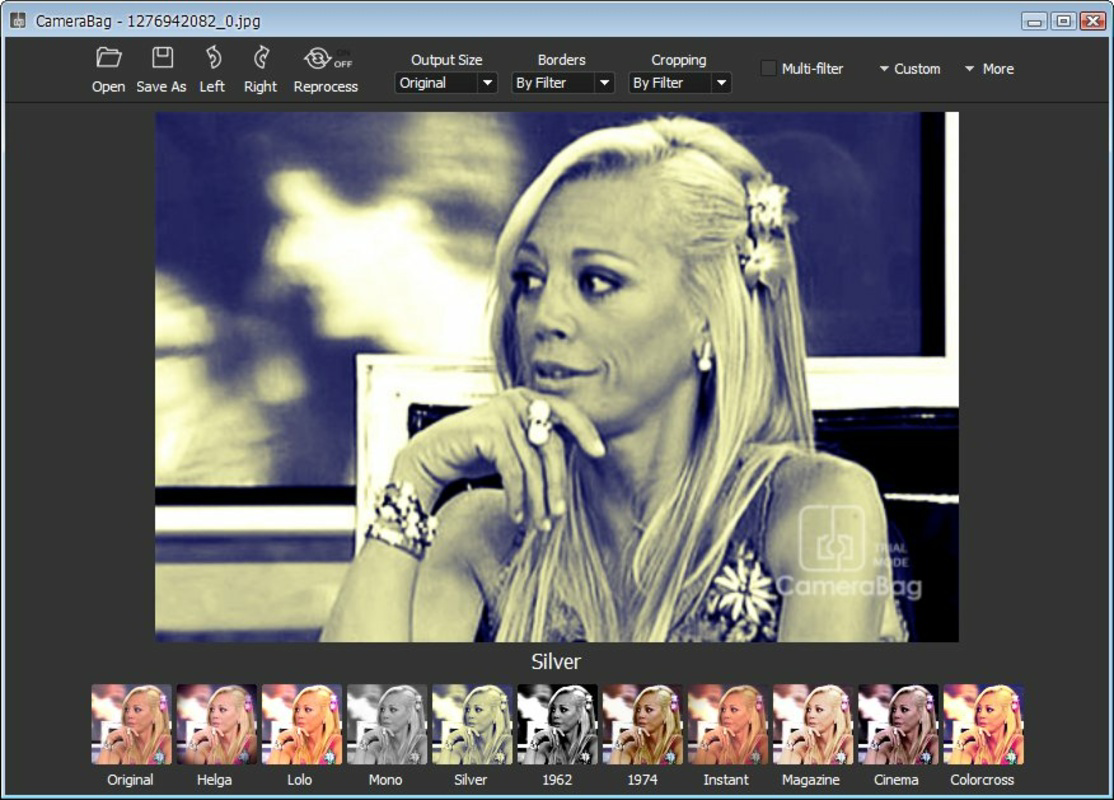
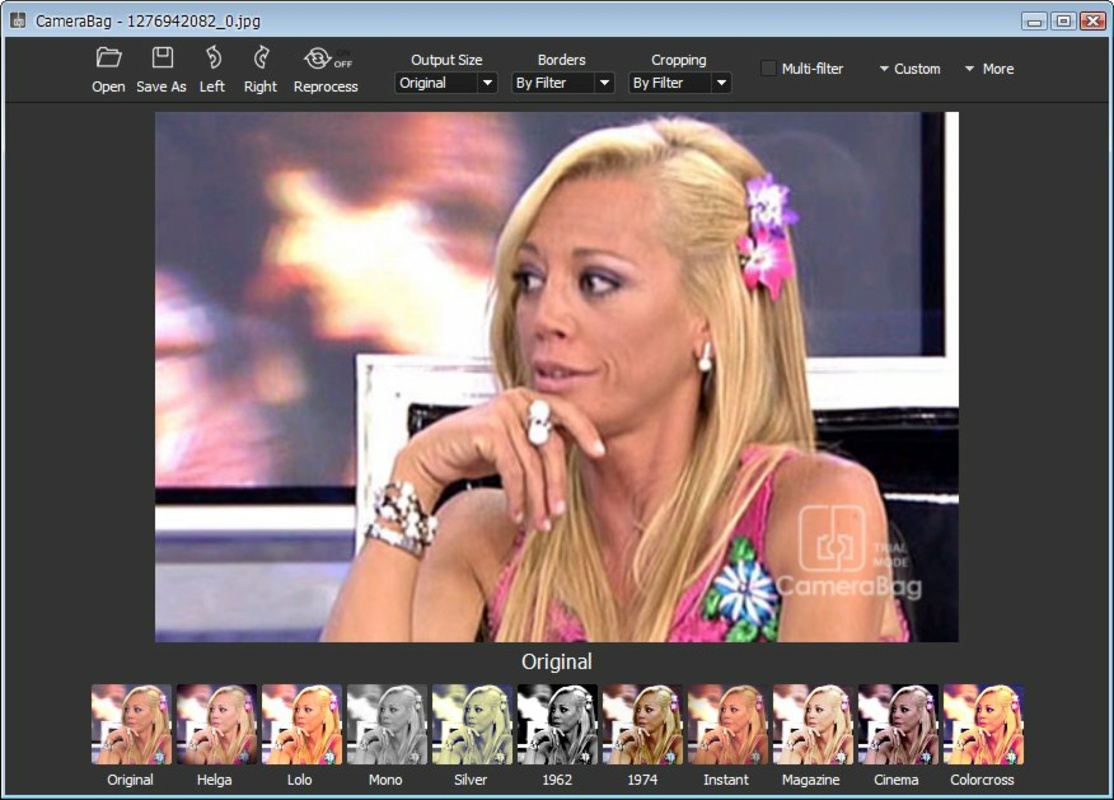
- One-Click Effects: The app offers a curated selection of instant effects, including black and white film looks, 70s retro styles, and vibrant color saturations. These presets allow users to achieve stylized results with minimal input.
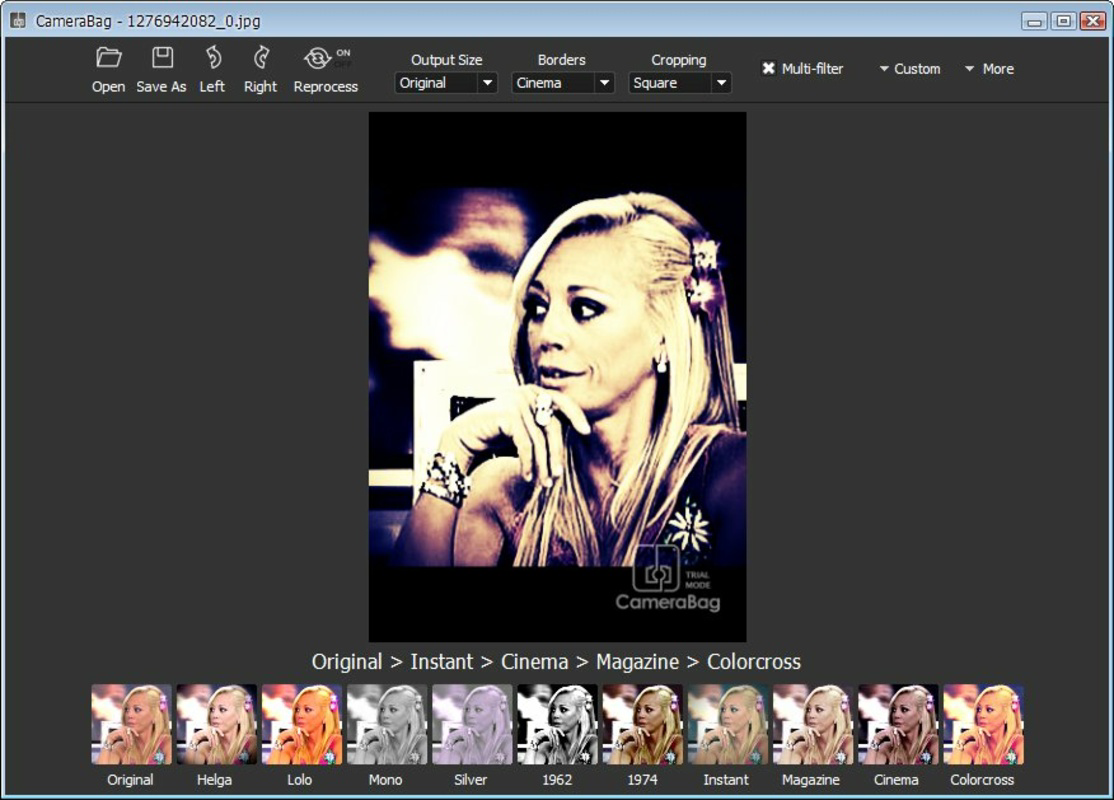
- Multi-Filter Combinations: Users can stack multiple filters using the 'multi-filter' option, creating unique visual blends. This feature encourages experimentation and personalization without requiring technical expertise.
- User-Friendly Interface: The app features a clean, intuitive layout designed for effortless navigation. Even users with no prior editing experience can quickly learn how to apply effects and save edited images.
- Versatile for Casual Use: CameraBag Photo is well-suited for enhancing photos for social media, personal projects, or casual sharing. It balances entertainment and utility, making photo editing a relaxed and enjoyable activity.
For example, a user preparing a post for Instagram can select a retro filter, apply it instantly, and share the result within seconds. Similarly, someone capturing a spontaneous moment can enhance the photo on the spot, preserving the emotion and context. The app’s limited but vibrant effect library ensures that users are not overwhelmed, while still offering creative possibilities.
Interface, UX & Performance
CameraBag Photo presents a minimalist interface with a focus on clarity and direct access to core functions. The layout emphasizes simplicity, with primary tools and effects displayed prominently for immediate use. Navigation is straightforward, allowing users to select images from their device’s gallery, apply filters, and save or share the results with minimal steps. The visual style is clean and modern, avoiding clutter and distractions. Although the developer did not list formal performance metrics, the app’s design suggests optimized responsiveness across a range of Android devices. Users can expect smooth transitions between editing steps and consistent rendering of effects. Stability appears to be maintained, as the app functions reliably without reported crashes or freezes in typical use. Performance on older or lower-end devices may vary, but the developer did not specify minimum hardware requirements. The app’s lightweight size of 72.2 MB contributes to efficient memory usage and fast load times. Overall, the user experience is consistent with the app’s goal of being a quick, hassle-free editing tool.
Platform Compatibility & Technical Requirements
CameraBag Photo is available exclusively on the Android platform. It supports the latest Android versions, though specific OS requirements were not listed by the developer. The app has a file size of 72.2 MB, which is relatively compact for a photo editing application. This size suggests efficient resource management and minimal storage impact. While the developer did not specify minimum device specifications or compatibility details, the app’s lightweight nature indicates broad compatibility across mid-range and higher-end Android smartphones. Users are advised to ensure their device meets general Android system requirements for app installation. The app is free to download and install, with no in-app purchases or subscription fees mentioned. The latest version available is 3.3.1, released on September 9, 2021.
Pros and Cons
Pros
- Fast editing process, enabling changes in under ten seconds.
- Simple, intuitive interface suitable for beginners and casual users.
- One-click effects provide instant visual transformation.
- Supports multi-filter combinations for creative experimentation.
- Lightweight size (72.2 MB) ensures efficient storage usage.
- Free to download and use with no hidden costs.
Cons
- Limited number of effects compared to advanced editing apps.
- No detailed editing controls (e.g., brightness, contrast sliders) were specified.
- Specific technical requirements or device compatibility details were not disclosed.
- App has not been updated since 2021, raising questions about long-term support.
- May lack advanced features required by professional photographers.
FAQ
Is CameraBag Photo safe to download and install?
Yes, the app is available through official Android channels and is free from known malware. It does not require excessive permissions, and its lightweight size reduces security risks.
Can I use CameraBag Photo without an internet connection?
Yes, the app functions fully offline. All editing features are processed locally on the device, ensuring privacy and uninterrupted use.
Is CameraBag Photo compatible with older Android devices?
While the developer did not specify minimum OS requirements, the app’s size and design suggest it may run on a wide range of Android devices. However, compatibility with older models is not confirmed.
Are there in-app purchases or ads in CameraBag Photo?
The app is currently free with no reported in-app purchases or advertisements. However, future updates may introduce monetization features.
How often is CameraBag Photo updated?
The latest version, 3.3.1, was released on September 9, 2021. No updates have been published since, which may affect compatibility with newer Android versions.
Final Thoughts
CameraBag Photo delivers a streamlined, enjoyable photo editing experience tailored for casual users and mobile photographers seeking speed and simplicity. Its focus on instant results, intuitive design, and creative one-click effects makes it a compelling choice for quick enhancements. While it lacks advanced tools and has not been updated in several years, its core functionality remains effective for everyday use. The app’s lightweight nature and free access enhance its appeal as a practical utility. For users who prioritize speed, ease of use, and fun over precision, CameraBag Photo offers a satisfying solution. It’s especially valuable for those who want to share polished images on social media without spending time on complex edits. Download CameraBag Photo now
Guides & Tutorials for CameraBag Photo
How to install CameraBag Photo
- Click the Preview / Download button above.
- Once redirected, accept the terms and click Install.
- Wait for the CameraBag Photo download to finish on your device.
How to use CameraBag Photo
This software is primarily used for its core features described above. Open the app after installation to explore its capabilities.
User Reviews for CameraBag Photo 0
No reviews found


